 Snipocket
 · Guides
Snipocket Guides
Workflow guides for Mac and Windows — from free pinning and clipboard history to on-device OCR search, scrolling capture, and Instant Replay.
Core features free forever · Pro free for 7 days · No account · Mac 9.5 MB · Windows 122 MB
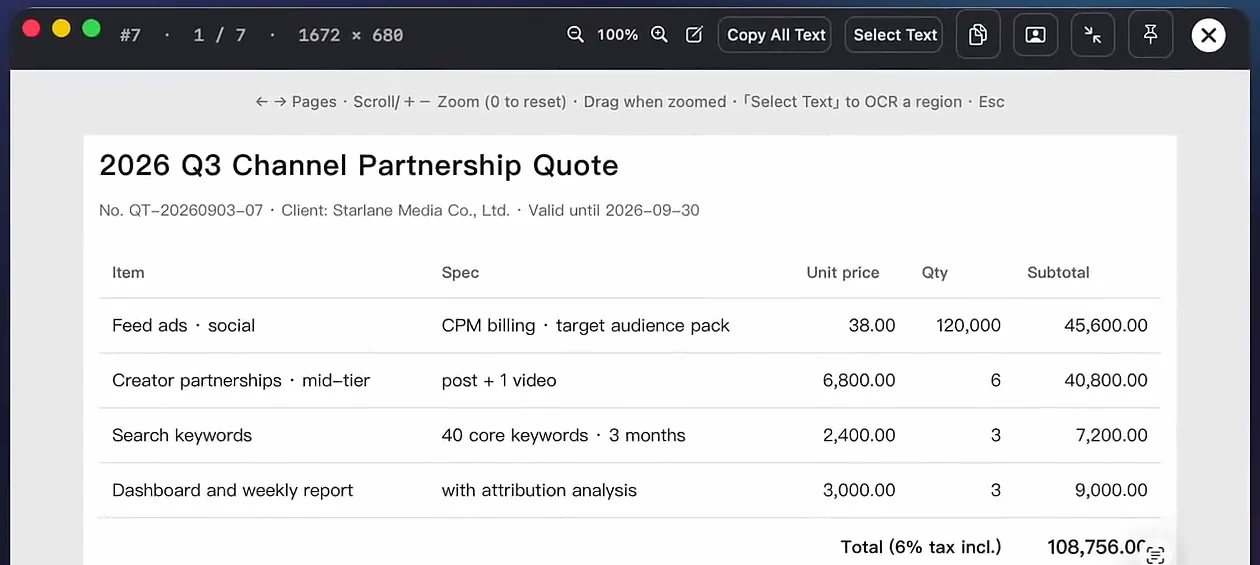
How to search the text inside your screenshots
Type a few words you remember and find matching screenshots, recordings and PDFs offline.
Read guide →Pin any screenshot on top of your screen
Float captures or text notes at 1:1 scale with zoom, opacity, click-through and boss key.
Read guide →Clipboard history that pastes straight back
Search local text clipboard history with ⌥⌘T and press Return to paste back into your app.
Read guide →Scrolling screenshots without repeated headers
Capture entire webpages and chat logs cleanly with sticky-bar deduplication.
Read guide →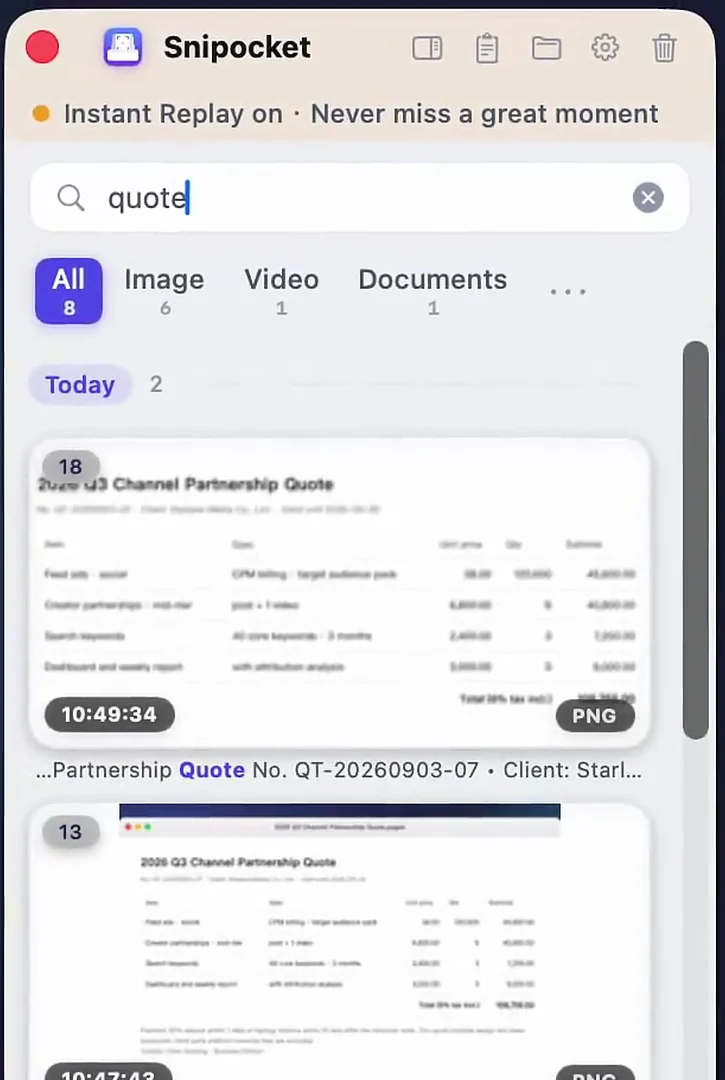
Auto-save copied screenshots & chat images
Keep copied images from Slack, Teams, WeChat and other apps before the clipboard overwrites them.
Read guide →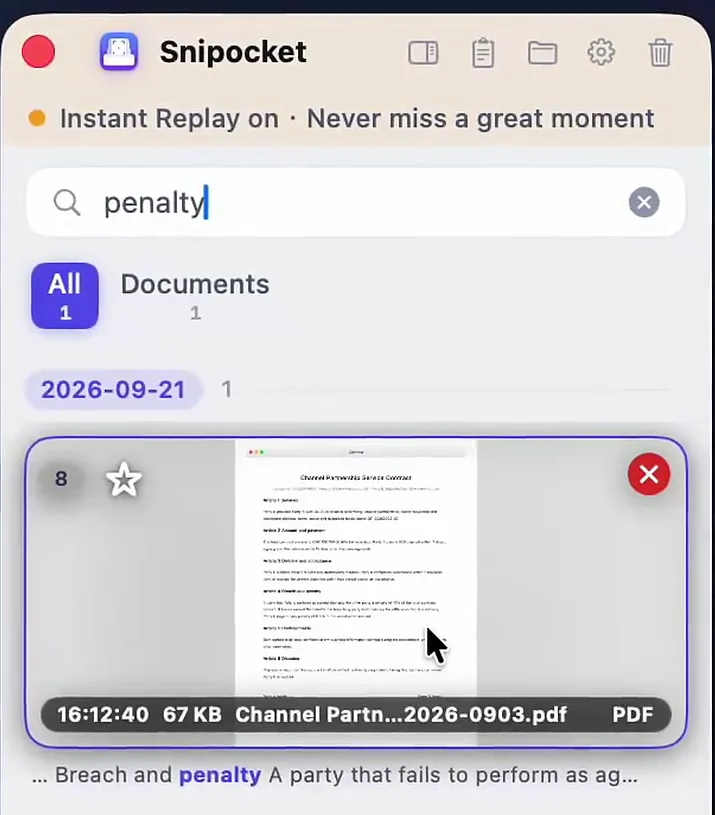
Search PDFs, Word & Excel alongside screenshots
Drop working documents onto the Shelf to search body text offline.
Read guide →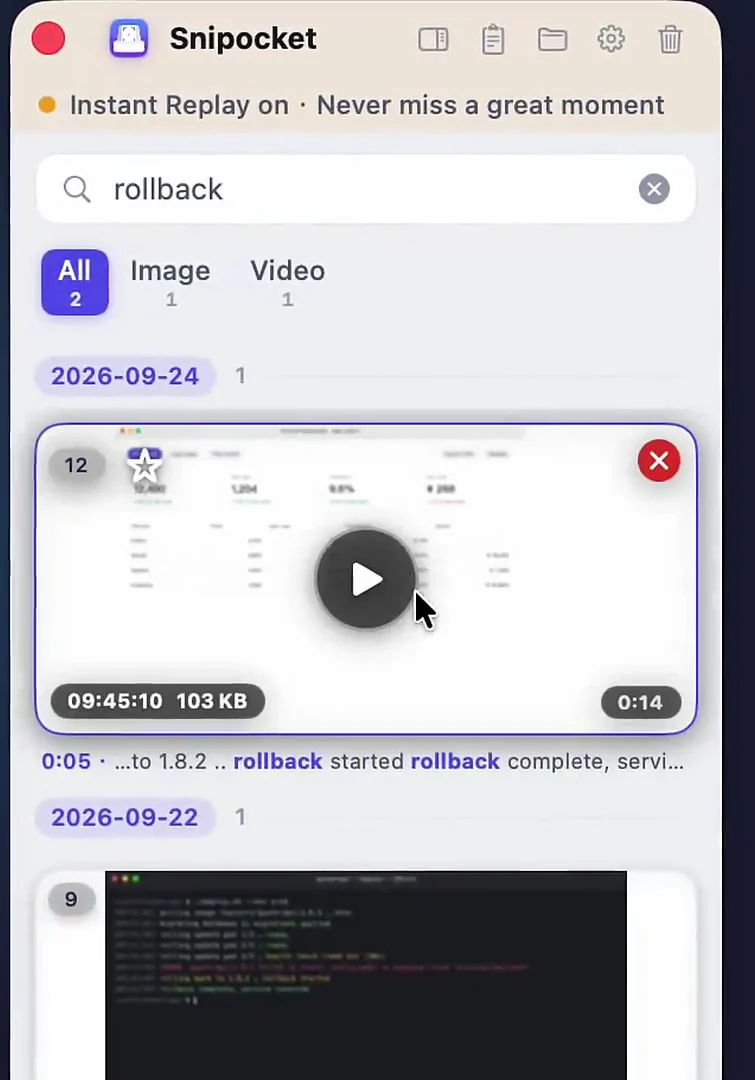
Instant Replay: record what already happened
Save the last 10–30 seconds retroactively with ⇧F2 and search text inside frames.
Read guide →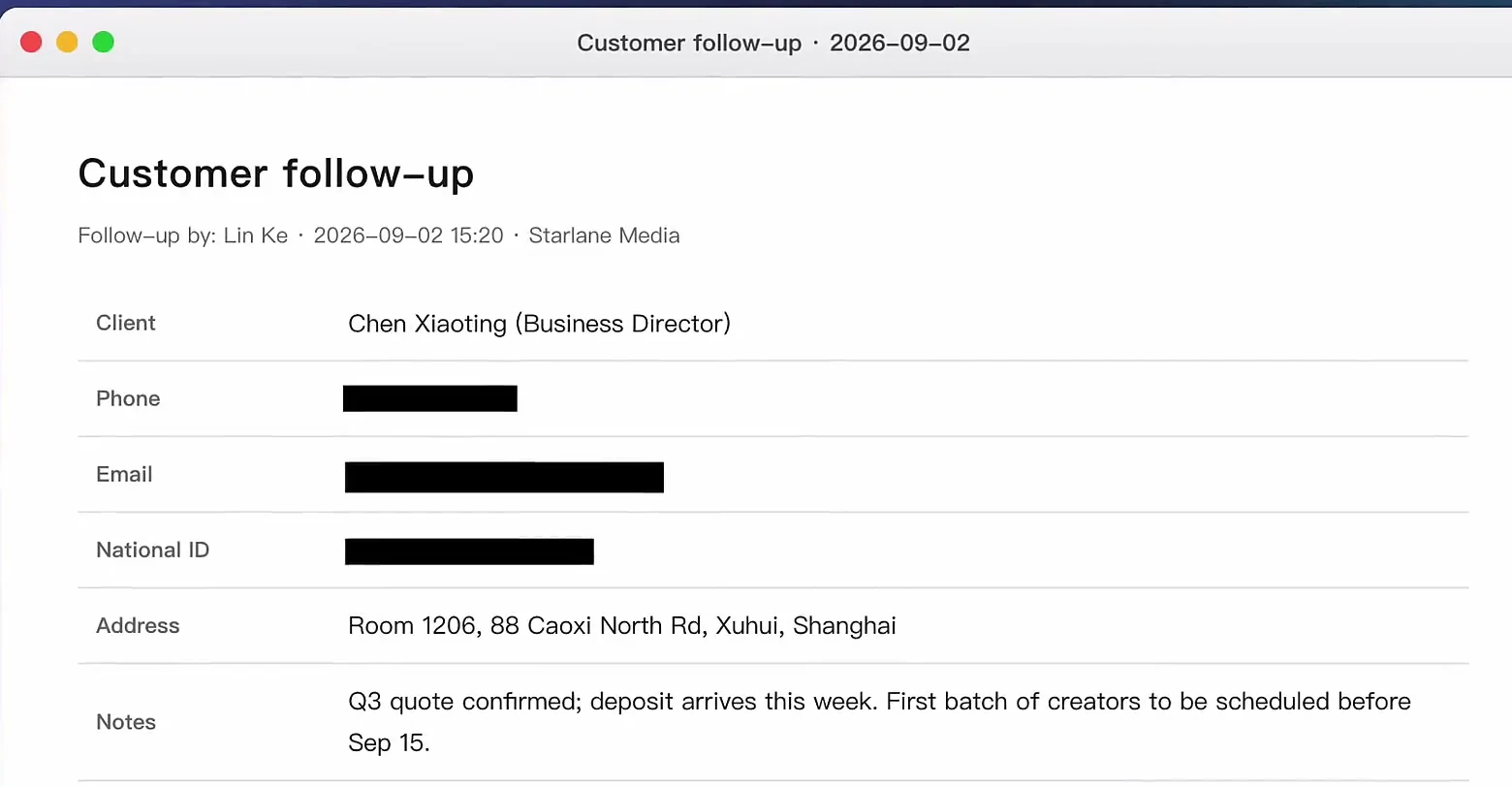
Redact emails & card numbers in one click
Mask sensitive details locally before sharing while leaving the original untouched.
Read guide →CleanShot X alternative for Mac & Windows
Keep CleanShot or switch: add on-device OCR search and cross-platform Mac + Windows support.
Read guide →